

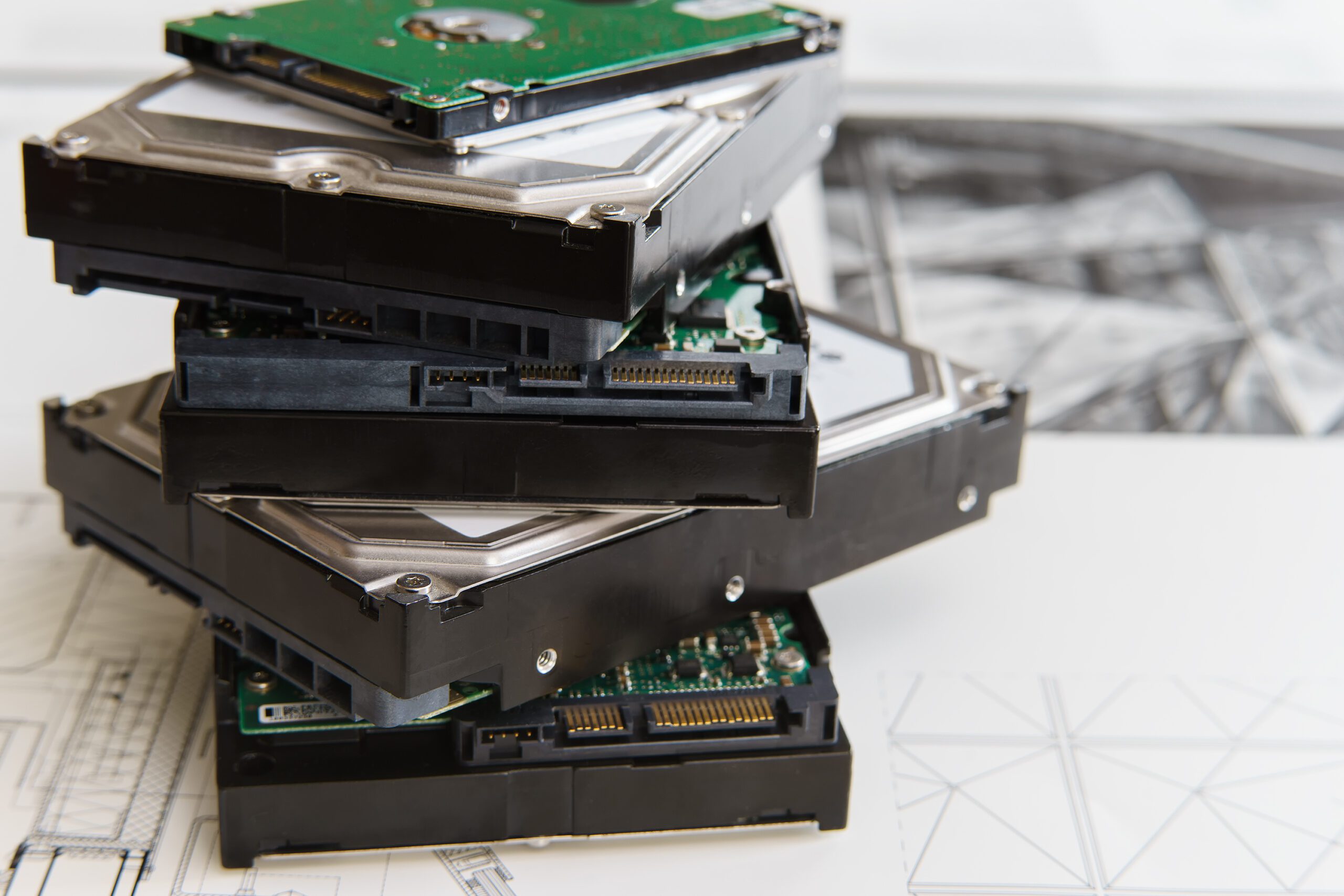
A laptop dies on a Tuesday morning. The person who uses it has a client meeting at two. Somebody drives to a big box store, buys whatever is on the shelf, and spends the afternoon trying to make a home computer behave like a work computer. That machine will be a headache for four years, and it will not match anything else you own.
That is the panic buy, and almost every small business has done it at least once. The way out is not spending more on computers. It is deciding, before anything breaks, how long a computer is supposed to last and what happens when it gets there. Here is how we think about it.
The Realistic Useful Life Window
For typical office work, plan on four to five years for a desktop and three to four years for a laptop. Laptops travel. They get dropped in bags, opened and closed thousands of times, and run on batteries that wear out either way. Desktops sit still in a climate controlled room. That difference is most of the gap.
Notice the phrase “useful life” instead of “still works.” Plenty of ten year old computers still turn on. We see them. The real question is whether a machine earns its spot once you add up the money, the downtime, and the frustration it costs you. A computer hits the end of its useful life when keeping it costs more than replacing it, and that crossover arrives well before the thing dies.
The operating system sets the outer boundary, and that boundary is not negotiable. According to Microsoft’s product lifecycle documentation, support for Windows 10 ended on October 14, 2025, with version 22H2 as the final release. Microsoft’s guidance for that end of support says the software keeps functioning but affected computers no longer receive security updates, software updates, or technical support. Microsoft also lists a consumer Extended Security Updates option that can carry a Windows 10 device to October 12, 2027, which is a bridge and not a destination. Microsoft’s lifecycle pages further show each annual Windows 11 release for Home and Pro is serviced for roughly 24 months, so staying supported is recurring work.
What Actually Shortens a Computer’s Life
Hardware rarely dies of old age. It gets pushed out early by purchase decisions or by conditions nobody thought about.
- Buying the cheapest thing on the shelf. Entry level consumer machines are built to hit a price, and the parts that get cut decide how long the computer stays pleasant to use.
- Skimping on memory and storage up front. A machine that shipped with the bare minimum has nowhere to go when software gets heavier, and software always gets heavier.
- Heat and dust. A tower tucked under a desk in a warehouse breathes in everything on the floor. Clogged fans mean higher temperatures, and heat shortens the life of everything inside.
- Batteries that never get a break. Laptop batteries are consumable parts. They lose capacity over time regardless, and one that lives permanently on a charger spends that capacity on nothing.
- The hand me down cascade. Passing an aging machine down the line feels thrifty. It just keeps old hardware in service and moves the frustration to someone new.
The Signals It Is Time
You do not need a formula. You need a short list of triggers. When two or more line up on one machine, it goes on the replacement list.
- The warranty has expired. Once a machine is out of warranty, every failure becomes a quote, a wait, and a decision. That date is the cleanest early warning you get, and it is already on a calendar.
- It cannot run a supported operating system. Microsoft publishes minimum hardware requirements for Windows 11 that include a compatible 64-bit processor at 1 GHz or faster with two or more cores, 4 GB of memory or more, 64 GB or more of available storage, UEFI firmware with Secure Boot capability, and Trusted Platform Module version 2.0. If a machine misses those marks, no amount of tuning fixes it.
- Memory and storage are maxed out. If the largest supported memory modules are already installed and the drive is full, you have spent your upgrade path. There is no next step.
- Staff complain without being asked. People rarely file a ticket saying “my computer is slow.” They work around it and lose ten minutes here, fifteen there. When someone volunteers the complaint, it has been bad a while.
- The repair quote approaches replacement cost. Our rough rule: if a repair runs more than about half of a new machine and the computer is past the middle of its expected life, replace it.
Stagger Replacements So You Never Replace Everything at Once
Here is the mistake behind most hardware crises. A business grows, buys twelve computers in one quarter, and four years later has twelve failing in the same quarter. The bill arrives all at once, and so does the disruption.
Staggering fixes that. Pick a target life, divide your fleet by that number, and replace that many machines every year. Twenty computers on a four year cycle means five a year. Twelve means three. Simple arithmetic turns a cliff into a gentle slope.
Start with an inventory: every machine, its purchase date, its warranty end date, and who uses it. Sort by age. Oldest machines go first, along with any belonging to people who cannot afford downtime. Then hold the line, because discipline is the hard part, not math. A steady rhythm also buys back real hours, which is worth more than most owners assume. We wrote about that trade in why saving time takes priority over saving money.
Budget It as a Recurring Line, Not a Surprise
Computers are not capital events. They are a subscription you pay in lumps. Take the number of machines you own, divide by your target life in years, and multiply by whatever a properly specified replacement costs from your vendor today. Confirm that per machine figure with a current quote rather than an old invoice, because pricing moves with components, configurations, and warranty terms. The result is your annual hardware line. Put it in the budget every year, whether you spend all of it or not.
- Include the extras. Docks, monitors, keyboards, and mice have their own lives and costs. Leaving them out is how a budget goes twenty percent over.
- Include the labor. Setup, data moves, and getting somebody productive again take real time, whether staff or a partner does it.
- Match the warranty to the plan. If you intend to keep machines four years, buy four years of coverage. Paying later, one repair at a time, is slower and costs more.
- Keep one spare on the shelf. A single configured standby machine turns a dead laptop from a lost day into a twenty minute swap.
The Bottom Line
Plan on three to four years for laptops and four to five for desktops, and let operating system support, warranty status, and repair economics set the exact date. Replace a fixed share of your fleet every year rather than all of it at once. Fund it as a standing line item so the money is there when the calendar says go.
One contrarian note. The goal is not squeezing the maximum years out of every machine. The goal is predictable, boring hardware nobody thinks about. That is the kind of thing a good outside partner should already handle for you, as we covered in what to look for in an IT partner.
Harrison Ward Technology builds hardware refresh plans for small and mid-sized businesses across Denton County, then handles ordering, setup, and data moves so nobody loses a day. If your oldest machines make you nervous, let us take a look. Contact us today.
Sources:
Comments are closed