


A slow work computer never shows up on your P&L, but you pay for it every day in wages. Here is the simple math that turns invisible lost time into a real number.
Managing every laptop and phone from one screen is not just an enterprise thing. What device management does, why onboarding and offboarding get easy, and the setup effort it takes first.
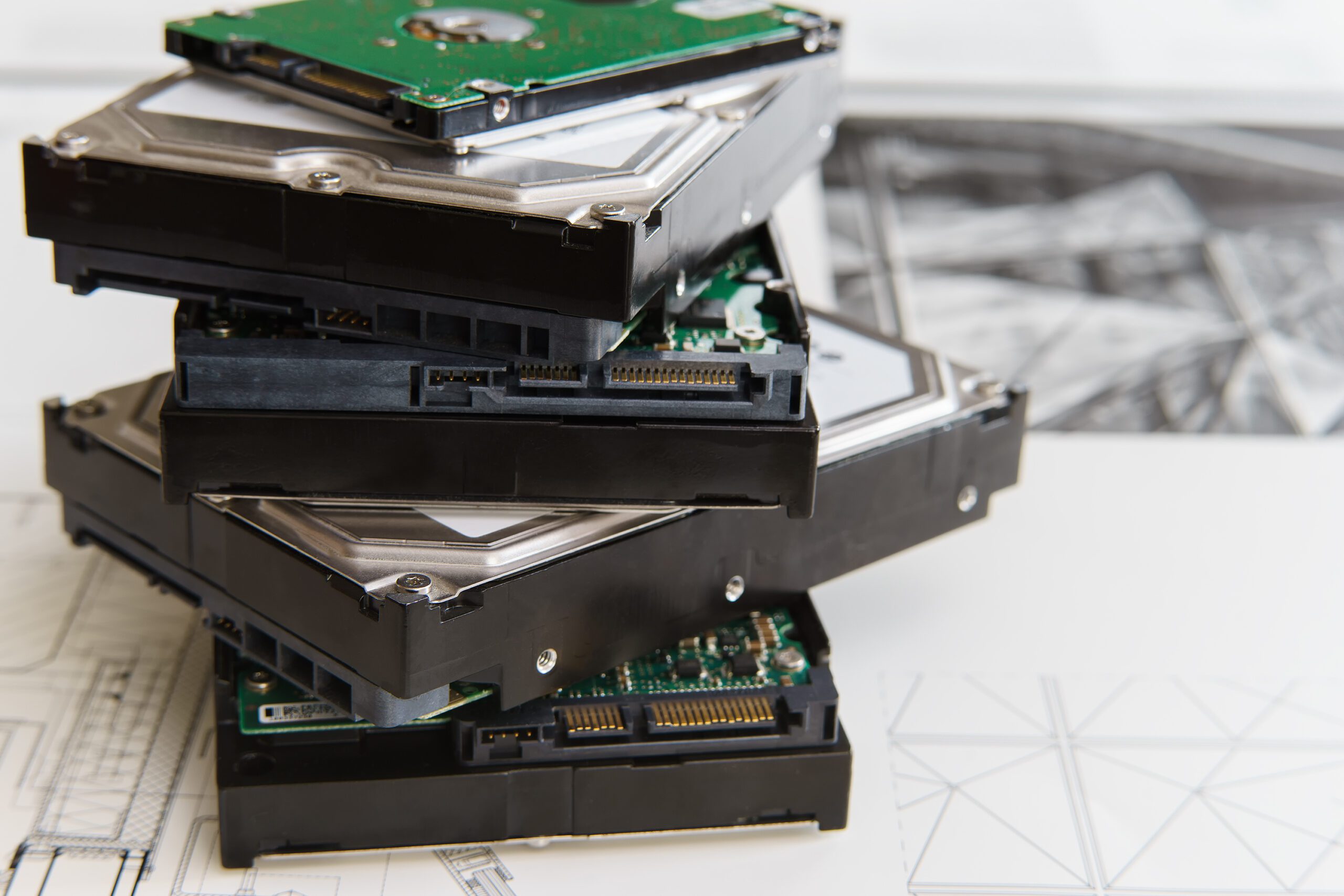
A realistic useful life window for business desktops and laptops, the signals it is time to replace, and how to stagger refreshes so you never face a panic buy.
Chargers, cables, battery rules, backup account access, and what should stay home. A short, dedicated travel kit that keeps small problems from becoming trip-ending ones.
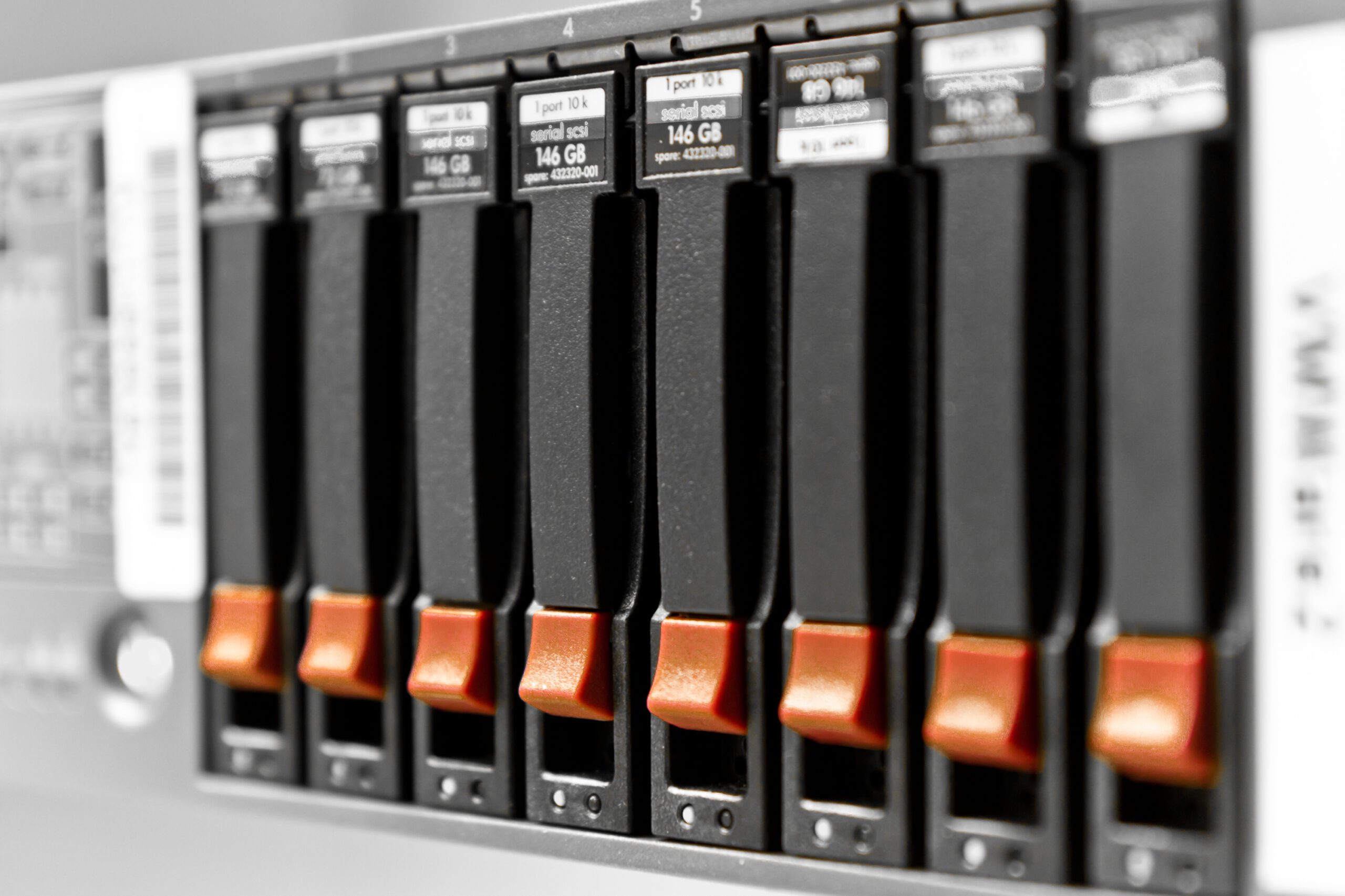
When refurbished business gear is a genuine bargain and when it costs double later, plus what to check before you buy and how to handle the data on the way out.
Scheduling software that works offline, technician phones as work devices, keeping your company numbers, job documentation, and backing up the office PC.
Encryption and remote wipe are what decide whether a stolen work laptop is a data breach or just an expensive hardware receipt. Here is the setup that does it.

Out-of-warranty hardware, unsupported systems, untested UPS batteries: the signs on-prem gear is past due, what moves to the cloud, and what stays.

The patterns we see across Denton County shops, trades, clinics, and offices: the aging machine that runs everything, guest Wi-Fi on a chalkboard, and untested backups.

A no-nonsense buying guide by role: where the money actually matters, what is oversold for office work, and why business lines beat consumer lines for support.