

Buying used business hardware feels like the obvious move. The same machine, a fraction of the price, and somebody else already ate the depreciation. Plenty of small businesses have furnished an entire office this way and done just fine.
Plenty of others have bought a stack of cheap laptops that were unsupported within eighteen months and ended up paying twice. The difference is not luck. It comes down to what category of equipment you are buying and how carefully you check a few specific things before money changes hands. Here is how we sort it.
Where Used Gear Actually Makes Sense
Some equipment ages gracefully because it has few moving parts, no operating system to keep current, and a long service life by design.
- Monitors. The easiest win by a wide margin. A monitor has no operating system, no security updates, and nothing that expires. Check for dead pixels, backlight dimming, and connectors that match your computers. A good used monitor serves two or three computer generations.
- Docking stations. Docks are simple, durable, and expensive new. Confirm compatibility with the specific laptops you own, since docks are pickier than people expect, and make sure the power supply is included.
- Network switches. An unmanaged or lightly managed switch is close to a solid state device. As long as it has the port count and speed you need and the manufacturer still issues firmware for it, used is reasonable.
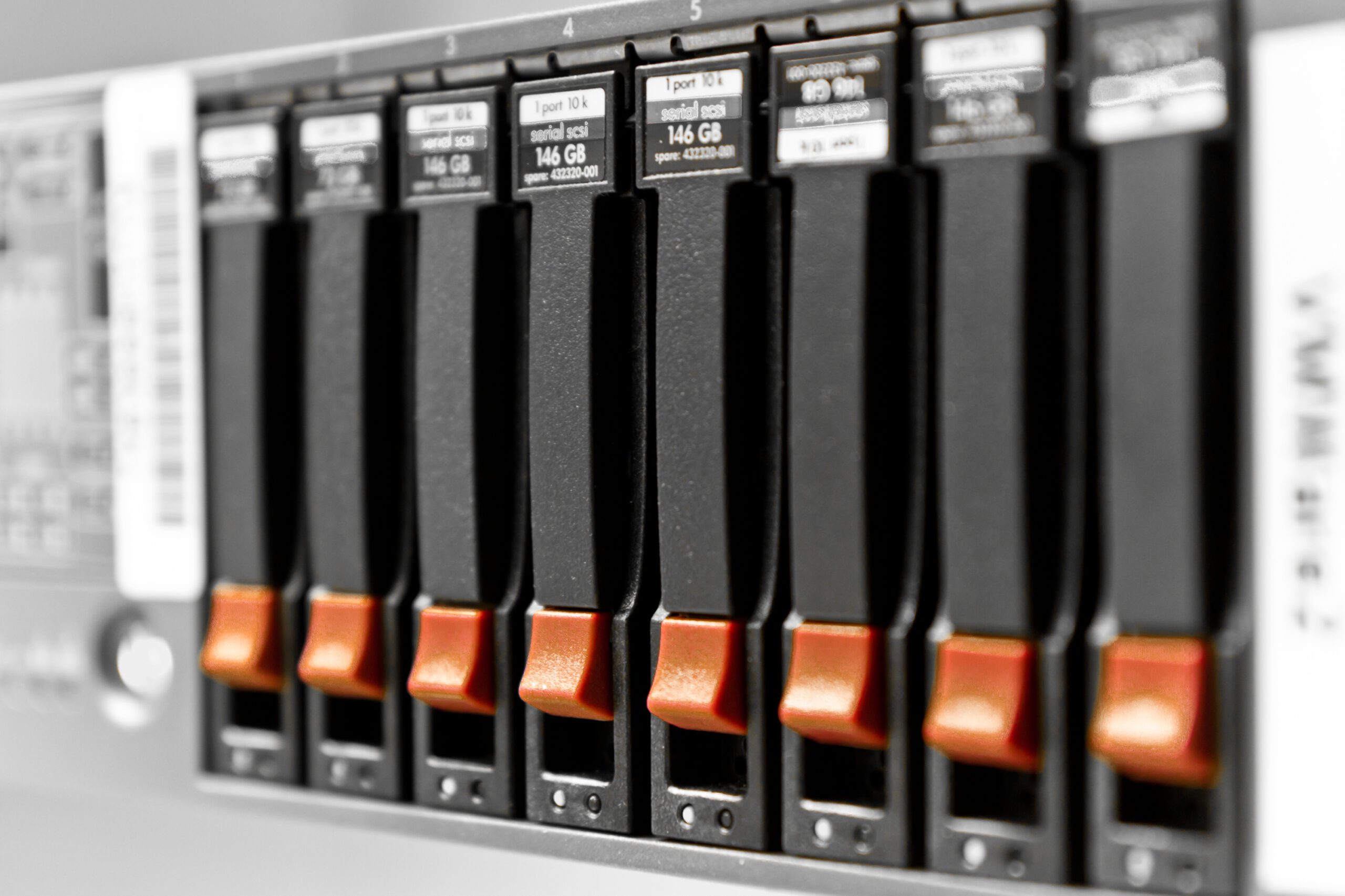
- Servers, with conditions. Refurbished servers from a reputable dealer with transferable manufacturer warranty coverage can be genuinely good value, especially in a secondary or backup role. Without warranty coverage, the math gets worse fast.
- Peripherals and cables. Keyboards, mice, and cabling are low risk. Buy used, keep spares, replace freely.
Where It Usually Costs You Double
The trouble starts with anything that runs an operating system or contains a consumable part.
- Laptops near the end of operating system support. This is the big one. Microsoft’s product lifecycle documentation shows support for Windows 10 ended on October 14, 2025, and that each annual Windows 11 release for Home and Pro is serviced for roughly 24 months. Microsoft’s published Windows 11 requirements include a compatible 64-bit processor, Trusted Platform Module version 2.0, and UEFI firmware with Secure Boot capability. A used laptop that misses any of those, or that sits on the older end of the supported processor list, is a machine with a short and shrinking runway.
- Drives with unknown hours. Storage wears. A used drive with no history is a coin flip, and the payout on a bad flip is your data plus the downtime to restore it. If a used machine is otherwise good, budget for a new drive as part of the purchase.
- Laptop batteries. Batteries are consumable parts that degrade with time and charge cycles whether the machine was used or sat on a shelf. A replacement battery, installed, erases a meaningful chunk of the savings.
- Firewalls and security appliances. Never buy these used without confirming the model is still supported and that subscriptions can be transferred or purchased fresh. An edge device the manufacturer no longer patches is not a bargain at any price.
- Anything mission critical with no warranty. If a failure stops the business for a day, the savings were never real.
What to Check Before You Buy
- Remaining warranty. Get the serial number before you buy and look it up on the manufacturer’s support site. That single step tells you the build date, the coverage status, and whether coverage transfers to a new owner. Anyone unwilling to give you a serial number in advance has told you something useful.
- Operating system support horizon. Ask how many years the machine can stay on a supported operating system, not whether it runs one today. Check it against the vendor’s published requirements and compatibility lists rather than the seller’s description.
- Battery health. On a laptop, look at the reported battery capacity compared to its original design capacity, and at the cycle count if the tool reports one. Both are readable from built in system tools. A seller who cannot produce these numbers is selling you a surprise.
- Drive health and hours. Storage devices report their own condition, including power on hours and wear indicators. Read them.
- The source. Buy from a dealer that grades its equipment, states a return window, and offers some warranty of its own. Corporate off lease inventory from an established refurbisher is a different product from an anonymous auction listing.
- Upgrade headroom. Confirm the memory is not soldered in place and that the drive can be replaced, so a cheap machine can be improved instead of replaced.
The Data Question Nobody Asks
Used hardware runs in two directions. Somebody is selling, and eventually that somebody is you.
When you buy, assume nothing about the previous owner’s data and rebuild the machine from scratch. Do not trust a “wiped” label, and do not inherit an unknown operating system image carrying configuration or software you never chose. A clean install takes under an hour and removes the question.
When you sell, donate, or recycle, the obligation is heavier. NIST addresses this in Special Publication 800-88 Revision 2, Guidelines for Media Sanitization, published in 2025 as a replacement for Revision 1 from 2014. NIST defines media sanitization as a process that renders access to target data on the media infeasible for a given level of effort, and the whole point of the guidance is matching the method to the sensitivity of the information. Deleting files and emptying a recycle bin does not qualify. Neither does a quick format.
For most small businesses, the practical rule is straightforward. If the drive held customer records, financial data, health information, or anything covered by a contract or regulation, physical destruction is the simplest defensible answer, and it comes with a record you can show someone later. Harrison Ward Technology offers physical hard drive destruction as a service for exactly this reason. It costs very little and it ends the conversation.
Running the Total Cost View
Price is one line in the calculation. To compare honestly, add these to the used option before you compare it to new.
- Likely replacement parts. A battery, a drive, or both.
- Setup labor. Older machines take longer to prepare, especially if firmware or drivers need attention first.
- Shorter service life. If a used machine gives you two years and a new one gives you four, the used option has to cost less than half to break even.
- Downtime risk. Out of warranty failures cost hours of somebody’s day, and those hours are worth more than most owners count, a point we made in saving time versus saving money.
The Bottom Line
Used is smart for monitors, docks, switches, peripherals, and warrantied refurbished servers. Used is usually a false economy for laptops near the end of operating system support, drives with unknown history, and any security appliance. Check the serial number, the support horizon, the battery, and the drive before you buy, and add the real costs before you compare. Do that and used hardware becomes a legitimate tool rather than a gamble.
The contrarian version: businesses that get the most out of used equipment already have a hardware plan. They know what they need and they are opportunistic. Buying used because there is no plan is how offices end up with nine mismatched machines and nobody to support them, which argues for having a partner in the loop, as we covered in what to look for in an IT partner.
Harrison Ward Technology helps small and mid-sized businesses across Denton County decide when refurbished equipment is worth it, verifies what you are buying, and destroys the drives on the way out. If a used purchase has you unsure, ask us first. Contact us today.
Sources:
Comments are closed