

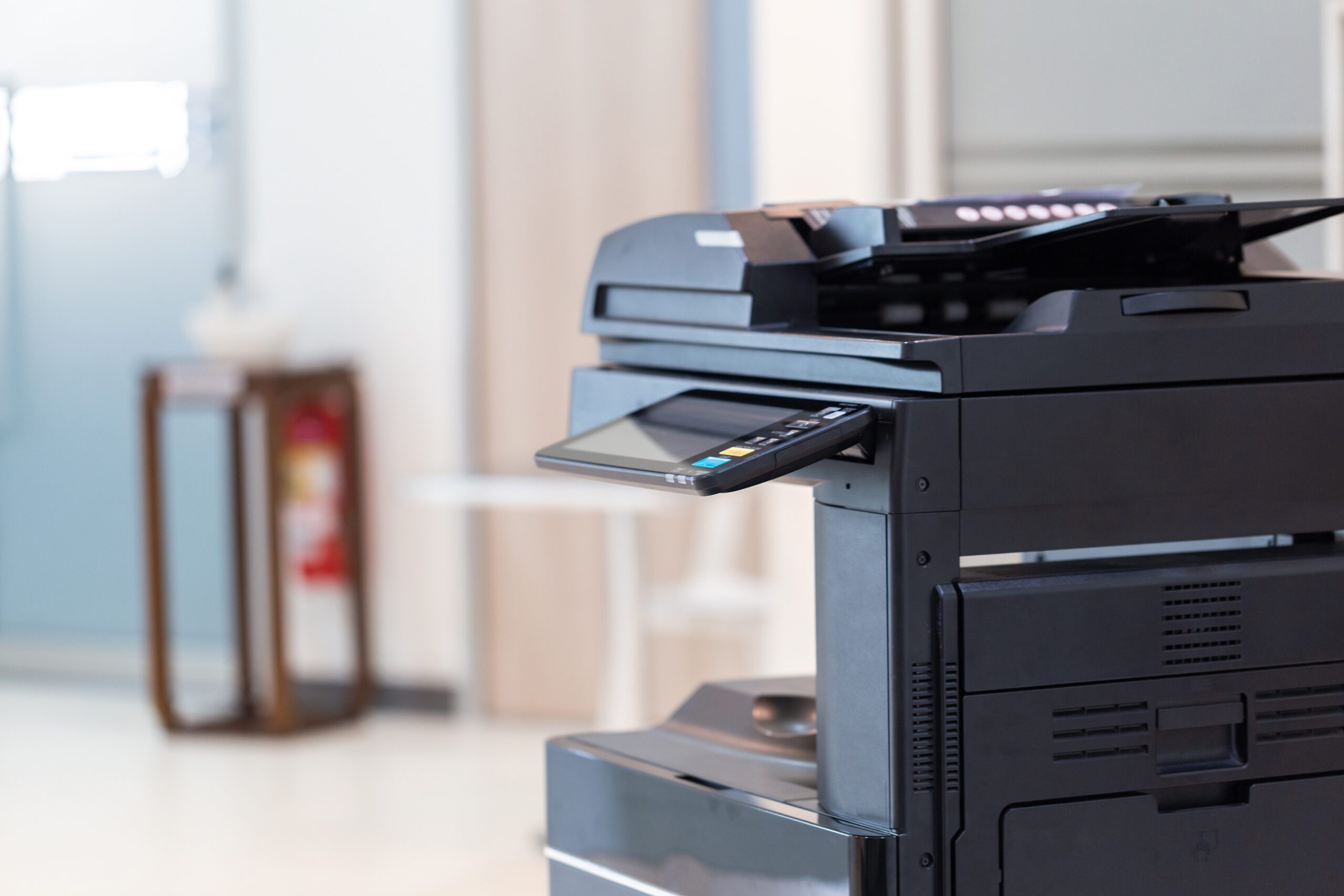
Nobody likes the office printer. It jams, it lies about toner, it needs a driver update on the one morning you have a deadline, and it has never once printed on the first try when a client is waiting. It is the most complained about device in any office, and somehow the least examined.
Here is what gets missed in all that grumbling. Your printer is a computer. It has a processor, memory, storage, an operating system, a web server, and a permanent connection to your network. It holds credentials to your email system and copies of everything scanned last quarter. In most small and mid sized businesses it is the one device that has never been patched, never had its password changed, and never appeared on a security checklist.
Why the Printer Got Skipped
Printers fall into a gap. They are not servers, so the server checklist does not cover them. They are not workstations, so the endpoint software does not install on them. They are usually bought by the office manager or leased through a copier vendor, which means they enter the building through a door that IT does not watch.
Then they sit there for seven years. A laptop gets replaced every few years and gets updates the whole time. A multifunction printer gets replaced when the lease ends, and the firmware it shipped with is often the firmware it dies with. Everything else on your network moves forward. The printer stands still.
The Default Password Problem Is Worse Than You Think
Most people assume the risk here is laziness: somebody never changed “admin” to something better. That is part of it. The bigger problem is that on some devices, changing it was not the whole fix.
Security research firm Rapid7 disclosed a set of vulnerabilities affecting 748 printer and multifunction device models across five manufacturers: 689 Brother models, 46 FUJIFILM Business Innovation models, 6 Konica Minolta models, 5 Ricoh models, and 2 Toshiba Tec models. The headline flaw, CVE-2024-51978, carries a critical severity score of 9.8 out of 10. Rapid7 described it plainly: “A remote unauthenticated attacker can generate the target device’s default administrator password.”
What came next is the part worth knowing. According to Rapid7, “Brother has indicated that this vulnerability cannot be fully remediated in firmware, and has required a change to the manufacturing process of all affected models.” The default password was derived from the serial number, so the flaw is baked into hardware already sitting in offices. A firmware update cannot undo it. Changing the admin password on each device is the fix.
We are not picking on one brand. Nearly every manufacturer has shipped predictable defaults at some point. Assume the password your printer came with is knowable, and assume nobody changed it.
What Is Actually Stored Inside Your Printer
This is the part that surprises owners. Admin access to a printer is not just the ability to change paper tray settings. Rapid7 noted that an authenticated attacker can disclose the password of a configured external service, including LDAP and FTP connections and stored scan-to-email credentials.
Think about what that means in a normal office setup:
- Scan to email credentials. To email a scan, the printer needs a mailbox account and password. That is frequently a real user account, and sometimes an account with more permissions than it needs.
- Directory and file share credentials. Printers that look up staff names hold an account that can read your user directory, and scan to folder needs write access to a file share. Both live in a device nobody monitors.
- The address book. Names, email addresses, and often client contacts. Useful raw material for a convincing phishing message from inside your own domain.
Then there is the foothold problem. A printer is always on, rarely rebooted, invisible to most monitoring, and trusted by everything around it. Rapid7’s research chain included a stack buffer overflow that can lead to remote code execution on the device itself. That is a quiet place for an attacker to sit. The Verizon 2025 Data Breach Investigations Report found vulnerability exploitation accounted for 20 percent of breaches, and that network edge devices grew from 3 percent to 22 percent of the devices targeted that way. Printers live in exactly that neglected category.
The Documents That Never Left
Multifunction printers store jobs. They have to. Collating a 200 page document, holding a print job until someone enters a PIN, and queuing scans all require memory, and on larger devices that means a hard drive or solid state drive.
What lands on that drive is whatever your business prints and scans. HR records. Signed contracts. Tax documents. Medical forms. Bank statements. In most offices, the copier has handled more sensitive paper than any laptop in the building.
Which brings us to disposal, the part almost everyone gets wrong. When the lease ends, the vendor picks up the device and it goes to a refurbisher or auction. Unless someone requested a drive wipe or removal, that storage leaves your building intact. Nobody thinks of it as data destruction. It is just a machine going back.
The fix is contractual and boring: put drive sanitization or drive retention in writing in the lease, and get a certificate of destruction the way you would for old servers. If the lease is already signed, call the vendor and ask what their end of term process is. Ask before the truck shows up.
A Practical Hardening List
None of this requires new software. Most of it is an afternoon.
- Change every admin password. Every device, unique password, stored in your password manager. This is the single highest value item on the list.
- Update the firmware, then set a schedule. Check the manufacturer’s support page for each model. Set a recurring reminder, because no printer will nag you the way Windows does.
- Turn off protocols you do not use. FTP, Telnet, raw port printing, and legacy web services are often on by default. If you are not using them, close them.
- Give scan to email its own limited account. Not a person’s account, not an admin account. A dedicated account that can send mail and do nothing else.
- Do not expose printers to the internet. Check that no printer has a public IP address or a forwarded port. It happens more often than you would expect, usually for remote support set up years ago.
- Segment printers on the network. A separate network segment limits what a compromised device can reach.
- Enable storage encryption and job deletion. Most business class devices support encrypting the internal drive and overwriting completed jobs. Both are usually off by default.
- Put printers on your asset list. If it is not on the inventory, it will not be patched, and it will not be checked when someone asks what is on your network.
The Bottom Line
The printer is not the most likely way an attacker gets into your business. Email and stolen passwords hold that title. But it is the easiest thing on your network to fix and the most overlooked. An afternoon of password changes and firmware updates removes a category of risk that has been sitting in your hallway for years.
It is the same argument we make in why cybersecurity is no longer optional for mid-sized businesses. The wins are rarely glamorous. And like the unmanaged apps in our post on shadow IT, the printer is a risk created by the ordinary way businesses buy things, not by anyone doing something wrong.
If you want someone to inventory the printers on your network, change the passwords, check the firmware, and get disposal language into your copier lease, that is a normal week for us. Harrison Ward Technology works with small and mid sized businesses across Denton County. Contact us today.
Sources:
Comments are closed