

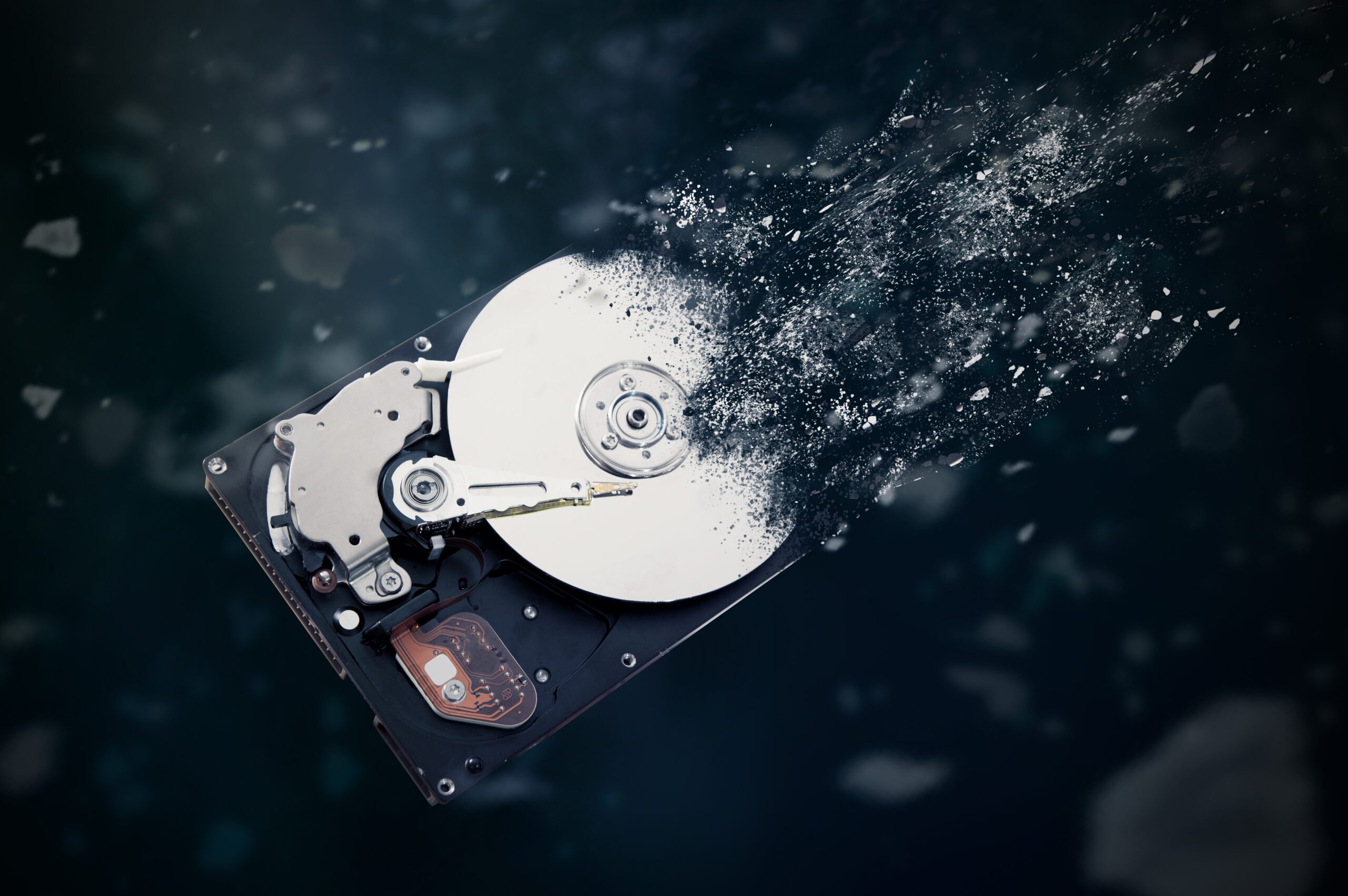
Every office has the closet. The one with the retired laptops, the desktop from the front desk remodel, the server that got replaced in 2019, all stacked and waiting for a decision nobody wants to make. It feels like clutter. It is actually a filing cabinet. Those machines hold payroll data, customer records, tax documents, saved passwords, and years of email, and they remember all of it long after you stop using them.
Eventually someone “handles it.” The machines get donated, sold, tossed in a dumpster, or handed to a recycler with a friendly logo. Here is the uncomfortable truth: done casually, that is not cleanup. That is a data breach with extra steps, and it surfaces quietly, months later, when the drive is in someone else’s hands. Getting rid of old computers is easy. Getting rid of the data on them is the part that takes intention.
Deleting Files Does Not Delete Files
Emptying the recycle bin, and even formatting the drive, mostly just removes the labels that tell the computer where files live. The files themselves stay on the disk until something overwrites them, and free recovery software can bring them back in minutes. This is not a theoretical risk.
Researchers at the University of Hertfordshire, in a study commissioned by Comparitech, bought 200 used hard drives in the US and UK. Fifty-nine percent still contained the previous owner’s data, and only 26 percent had been properly wiped. The recovered files included payroll and employment records, business documents, password lists, and scans of passports and driver’s licenses. Here is the detail we find most telling: 43 percent of the previous owners had tried to erase their drives. They used methods that do not work, like deleting files or a quick format. Trying is not the same as succeeding.
Your Three Real Options, Translated
The federal standard for getting data off storage media, NIST Special Publication 800-88, boils down to three approaches. Here is the plain-English version.
- Software wiping: a program overwrites every sector of the drive, then verifies the result. Done correctly, it works, and it is the right choice when a machine will be reused or resold. The catch is time and discipline: it takes hours per drive, and it only counts if someone verifies and documents every single one.
- Degaussing: a powerful magnet scrambles the drive. It only ever worked on traditional spinning drives, it does nothing to the SSD chips inside every modern laptop, and the latest NIST 800-88 guidance no longer recognizes it as a sanitization method. It is mostly a leftover from an earlier era.
- Physical destruction: the drive is crushed, shredded, or bent until the platters and chips cannot be read by anything. It is the only method that works on every drive type, cannot be done halfway, and leaves nothing to argue about later. For drives leaving your possession, it is the gold standard.
Our Answer: We Crush Drives. Literally.
This is not abstract for us. Harrison Ward Technology owns a Pure Leverage full-size hard drive crusher, a 29-pound machine built for exactly one job. It physically crushes and folds each hard drive so the platters shatter and warp beyond any recovery, at a pace of roughly nine drives per minute. The process meets NSA and NIST destruction standards, the same bar used for government media.
We offer drive destruction as a standing service. Bring us a single drive, a box of them, or the entire contents of the closet, and you are welcome to watch them die. Many clients do. There is something satisfying about seeing the question settled for good: no wondering whether a wipe finished, no trusting a stranger’s process on faith. The drive goes in flat and comes out folded.
One note on what counts as a drive, because it is not just the towers. Old laptops, external drives, USB sticks, phones, and even some copiers and printers carry storage. When we take in a batch of equipment, we pull and destroy every storage device, not just the obvious ones.
Get a Paper Trail: Certificates of Destruction
If your business touches health records, financial data, or customer personal information, destroying the drive is only half the job. Proving it is the other half. Rules like HIPAA and the FTC Safeguards Rule expect proper disposal of sensitive data, and cyber insurance applications increasingly ask how you handle it too.
The answer is a certificate of destruction: a document listing each drive’s serial number, the destruction method, and the date. We log serial numbers before crushing and issue the certificate after, so your compliance folder has the answer ready before anyone asks. It is the difference between “we think those computers got recycled” and a dated record with serial numbers on it.
Recycle the Rest, the Right Way
Once the drives are dead, the rest of the computer is just metal, plastic, and circuit boards, and none of it belongs in a dumpster. Electronics carry materials worth recovering, like copper and aluminum, and materials nobody wants in the ground, like lead and mercury.
Use a reputable electronics recycler, ideally one holding a recognized certification like R2, and ask the awkward question: where does this actually go? A good recycler has a real answer. The right order of operations is simple. Destroy the data first, while the equipment is still in your possession, then recycle the hardware through someone who can tell you where it ends up. Data security first, environment second, landfill never.
The Bottom Line
Old computers are not clutter. They are unguarded copies of your business, and most data disposal failures happen at the exact moment everyone believes the risk is over. The rules are short. Deleting is not destroying. Wiping works only with verification. Degaussing is obsolete. Physical destruction settles the question on every type of drive, and a certificate of destruction proves it happened. Then, and only then, recycle the rest responsibly. Security is full of judgment calls, as we wrote in Why Cybersecurity Is No Longer Optional. This is not one of them.
If there is a closet of old machines in your office, or a drawer of loose drives, bring them to us before they walk out the door. We will crush the drives while you watch, hand you a certificate of destruction for your records, and point the leftover hardware to a responsible recycler. Contact us today.
Sources:
Comments are closed