

Most business owners today rely on cloud-based services for nearly everything — email, file storage, accounting software, customer data, internal communications. And why not? Cloud platforms from providers like Microsoft, Google, and Amazon are fast, flexible, and — in theory — always available.
But in March 2026, a stark reminder arrived: Amazon’s AWS cloud region in Bahrain was disrupted by drone activity in the region, taking down services for businesses running critical workloads there. It wasn’t a software bug or a cyberattack. It was a physical event in the real world — and it brought cloud infrastructure down with it.
For business owners who have come to treat the cloud as infallible, that’s a wake-up call worth paying attention to.
What Is the Cloud, Really?
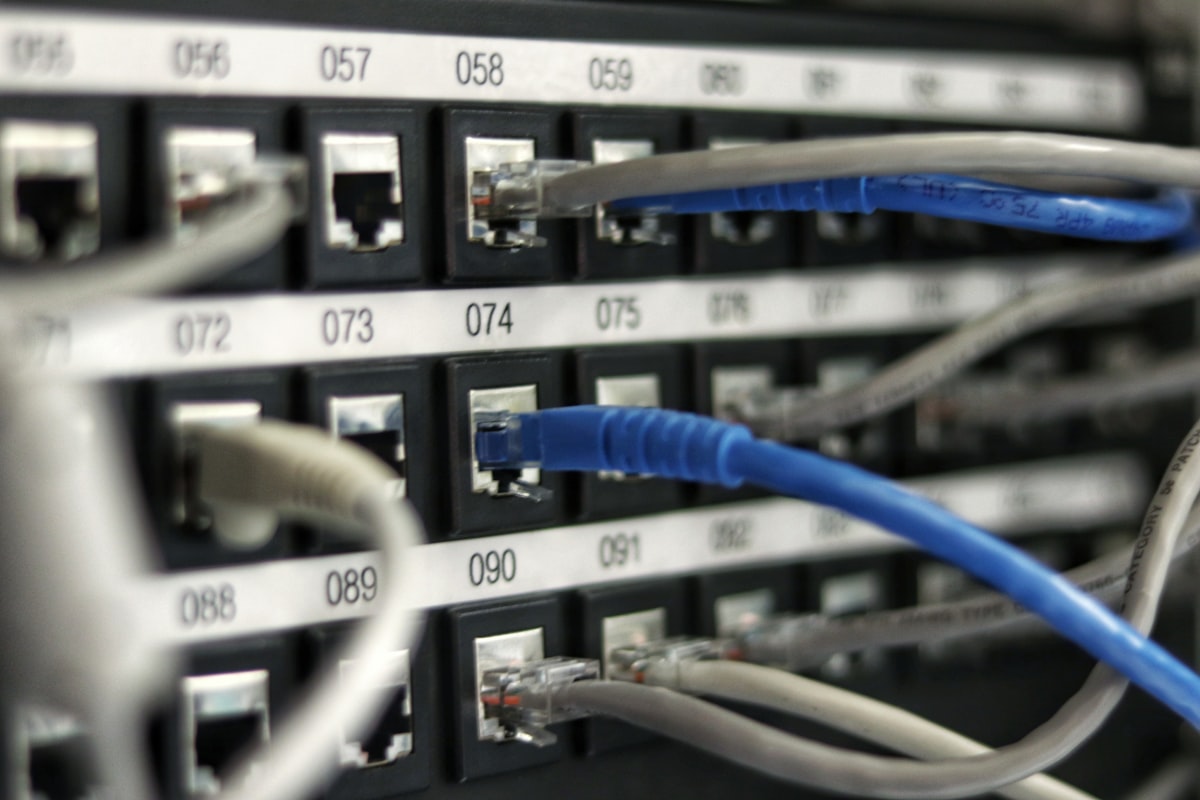
The term “the cloud” can make it sound like your data floats somewhere untouchable and ethereal. In reality, the cloud is just someone else’s computer — housed in a physical data center, in a specific building, in a specific city, connected by physical cables and dependent on physical power and physical security.
That means the cloud is subject to the same real-world risks as any physical infrastructure: power outages, natural disasters, network failures, cyberattacks, and — as the Bahrain incident showed — geopolitical disruption.
When those things happen, the businesses depending on those services go down with them.
What Happens to Your Business When the Cloud Goes Down?
The answer depends entirely on how dependent your business is on cloud services and what fallback plans you have in place. For many small and mid-sized businesses, the impact can be significant:
Email and communications stop. If your team uses Microsoft 365 or Google Workspace and those services go offline, internal and external communication can grind to a halt. No email means no client correspondence, no internal coordination, and no way to send or receive time-sensitive information.
Access to files and documents disappears. If your team stores files in SharePoint, OneDrive, Google Drive, or similar platforms, a cloud outage means no one can access the documents they need to work.
Line-of-business applications become unavailable. Cloud-hosted accounting software, CRM platforms, project management tools, and scheduling systems all go dark. Depending on your business, this can mean an inability to process orders, invoice clients, or manage operations.
Customer-facing services fail. If your website, booking system, or client portal is cloud-hosted, customers experience the outage directly — which affects revenue and reputation.
Isn’t Cloud More Reliable Than On-Premises?
Generally, yes — major cloud providers invest heavily in redundancy and uptime, and their reliability track records are strong. But “more reliable” doesn’t mean “never goes down.” Even Microsoft and Google have experienced significant outages that affected businesses worldwide.
The more important point is this: reliability statistics don’t matter when your business is the one experiencing the outage. A 99.9% uptime guarantee still allows for nearly nine hours of downtime per year. For a business without a continuity plan, a few hours of outage during a critical period can have real financial consequences.
The Bigger Risk: No Plan When It Happens
The businesses that suffer most during cloud outages are not necessarily those who lose access — it’s those who have no plan for what to do when they do. Without a business continuity plan in place, even a short outage can spiral into confusion, lost revenue, and client frustration.
Questions worth asking now, before something happens:
- If your email went down for four hours today, how would your team communicate?
- If your file storage became unavailable, which critical documents do you need access to immediately?
- If your accounting software went offline, could you still process payments or fulfill orders?
- Do your clients know how to reach you if your normal communication channels fail?
What You Can Do to Protect Your Business
Understand what you depend on. Make a list of every cloud service your business relies on day-to-day. Rank them by how critical they are. This simple exercise reveals your single points of failure and tells you where to focus your continuity planning.
Don’t confuse cloud storage with backup. This is one of the most common and dangerous misconceptions in small business IT. Storing files in OneDrive or Google Drive is convenient — but it is not a backup. If those files are deleted, corrupted, or become inaccessible during an outage, you may not be able to recover them. A proper backup solution stores copies of your data in a separate, independent location.
Have an offline communication plan. Know how your team will communicate if email and messaging platforms go down. A simple list of mobile numbers and a defined protocol takes minutes to create and can save hours of chaos during an outage.
Consider redundancy for critical systems. For businesses where downtime has serious financial consequences, it’s worth evaluating whether critical systems should have a backup or failover option. This might mean a secondary internet connection, local copies of essential files, or an offline version of key tools.
Know your providers’ SLAs and support processes. If a service you depend on goes down, do you know how to report it and who to call? Understanding your service agreements before an incident means you’re not scrambling when one happens.
Test your continuity plan. A plan that’s never been tested is just a document. Running a simple tabletop exercise — “what would we do if email went down right now?” — can reveal gaps before they become problems.
The Bottom Line
The cloud is a powerful, reliable tool — and for most businesses, cloud-based services are the right choice. But “reliable” is not the same as “infallible,” and convenience is not the same as resilience.
The businesses that handle outages best are not those that never experience them. They’re the ones that planned ahead, know what to do when something goes wrong, and have systems in place to keep operating while their provider works to restore service.
If you’re not sure whether your business has adequate backup and continuity protections in place, that’s a conversation worth having. Harrison Ward Technology can help you evaluate your current setup, identify gaps, and put the right protections in place — so that when the cloud has a bad day, your business doesn’t have to.
Want to review your business continuity posture? Contact us today.
Comments are closed